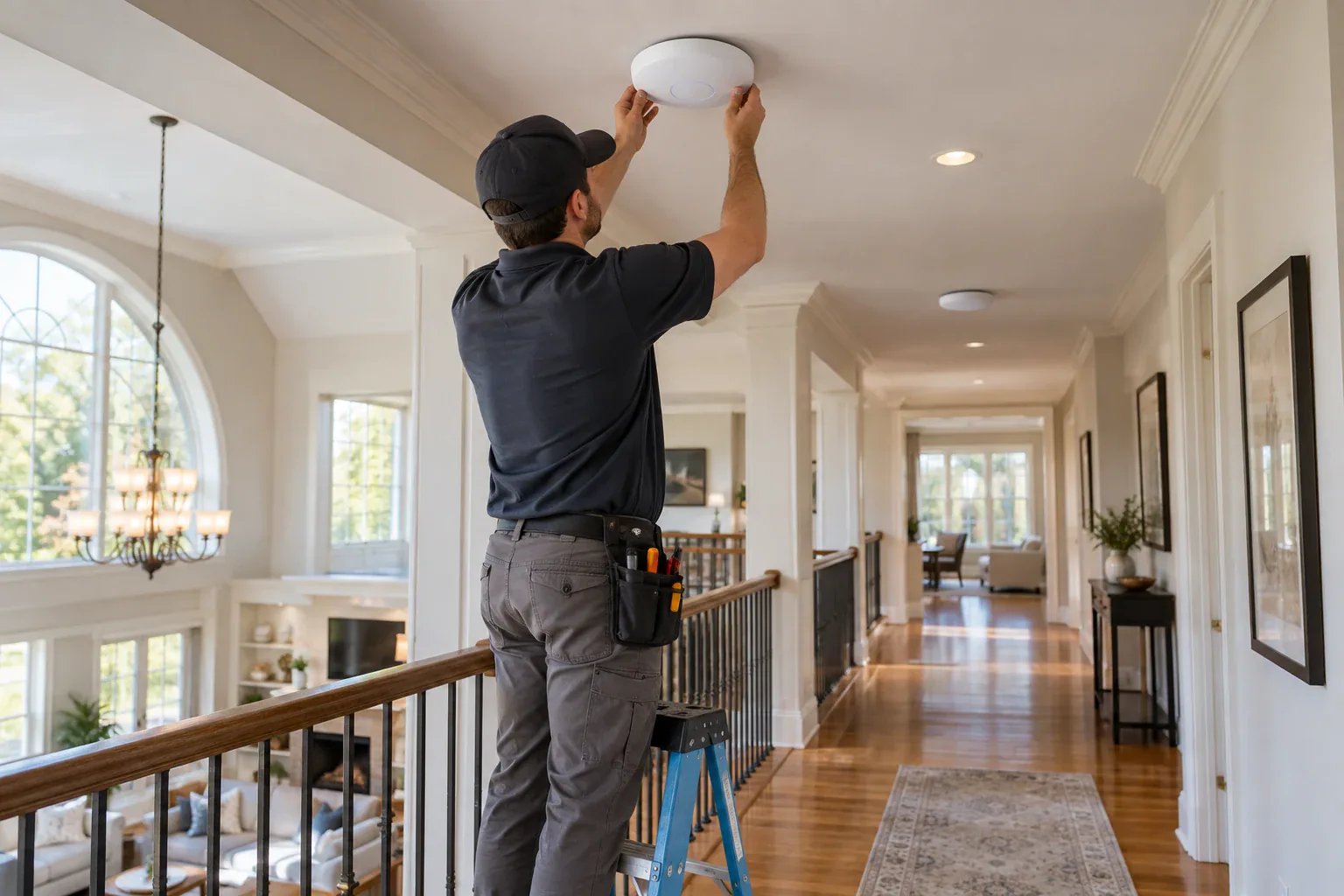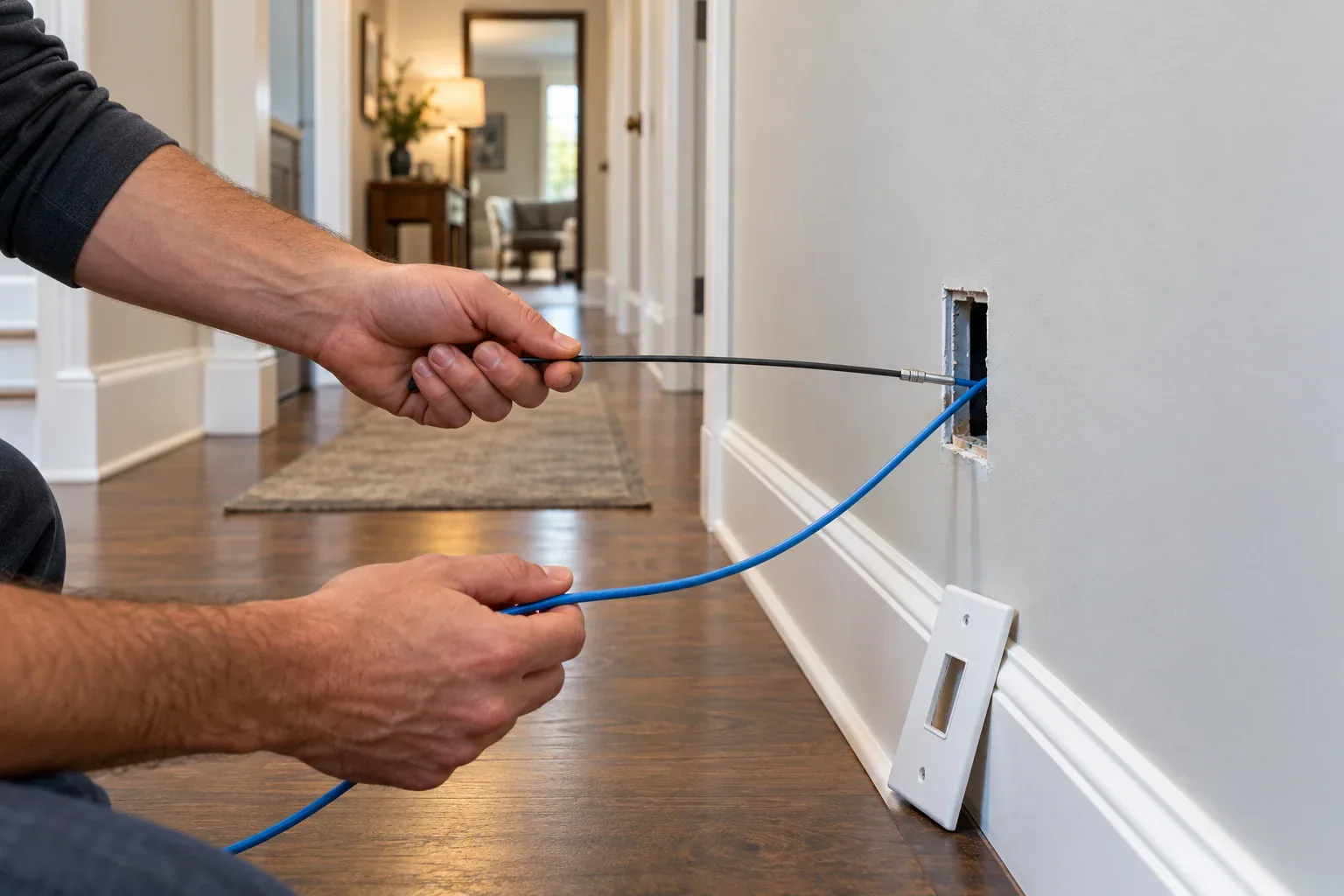
Modern Connecticut home interior with whole-home Wi-Fi 7 coverage and no dead zones

Is Wi-Fi 7 Worth It in 2026? An Installer's Honest Guide for CT & NY Homes

Julio CabreraFounder & Lead Low-Voltage Technician8 min read

Last updated:

What Wi-Fi 7 Actually Changes

Wi-Fi 7 is worth it in 2026 if your home runs 20+ connected devices, streams 4K cameras, or has reliability problems Wi-Fi 6 can't fix. Its killer feature is Multi-Link Operation — using multiple frequency bands simultaneously — not raw speed. Homes with fewer devices and no complaints can safely wait.

Three upgrades matter in practice:

  • Multi-Link Operation (MLO). Devices talk over 2.4 GHz, 5 GHz, and 6 GHz at the same time. If one band gets congested or drops, traffic shifts instantly — which is why always-on devices like cameras and doorbells stay connected even when the network is busy.
  • 320 MHz channels on 6 GHz. Double the width of Wi-Fi 6E channels, with far less interference — the difference is dramatic in dense neighborhoods.
  • Higher capacity, lower latency. 4K QAM and better scheduling mean more devices per access point before anything stutters.

Note the pattern: every headline feature is about many devices at once, not a bigger number on a speed test.
Who Genuinely Benefits (the 20-Device Rule)

The average US home now has 20–25 devices on its network — and a smart home in Greenwich or Scarsdale easily doubles that: cameras, doorbells, locks, thermostats, speakers in six rooms, two work-from-home setups, and a garage full of sensors.

You'll feel Wi-Fi 7 immediately if:

  • You run 20+ smart devices, especially several Wi-Fi cameras streaming simultaneously
  • Video calls stutter when someone else streams or backs up files
  • You have a large or masonry-heavy home where roaming between access points causes drops
  • You're already fighting dead zones — see our guide to fixing Wi-Fi dead zones in large CT homes

The Wi-Fi Alliance's Certified 7 program now also covers small IoT devices, so 2026-model smart home gear increasingly speaks Wi-Fi 7 natively — the ecosystem finally caught up to the routers.

Tablet dashboard controlling dozens of smart home devices over a Wi-Fi 7 network

Who Should Wait

Skip the upgrade for now if:

  • Your Wi-Fi 6 network works. No drops, no complaints, under 20 devices — Wi-Fi 7 will change nothing you can feel.
  • Your internet plan is under ~500 Mbps. The bottleneck is the plan, not the router.
  • Your devices are old. A house full of Wi-Fi 5 gadgets can't use the new features (though MLO still helps the network manage them better).

Put the budget into wiring instead — which brings us to the part that actually decides how good any Wi-Fi generation feels.

The Part Nobody Mentions: Wiring Decides Everything

Here's what 12 years of installs have taught us: a mesh system with wireless backhaul wastes most of what you paid for. When access points relay traffic to each other over the air, every hop halves usable bandwidth and adds latency — exactly the congestion Wi-Fi 7 was designed to eliminate.

The fix is wired backhaul: Cat6A Ethernet from the router to every access point. Cat6A carries 10 Gbps — enough headroom for Wi-Fi 7 today and whatever comes next — and it's the same cable we use for PoE cameras.

The objection is always the same: "I don't want cables along my walls." Neither do we. Rolo has completed 200+ hidden-wiring projects in finished homes — Cat6A fished through walls and soffits with zero visible cable. One Stamford client summed it up: "Rolo ran Cat6A to three access points with zero visible cables. Full signal everywhere."

Wi-Fi 7 and Your Security Cameras

Security gear is where MLO earns its keep — a doorbell that never drops its stream is a doorbell that never misses a porch pirate. Wi-Fi 7's capacity also means battery cameras spend less time retrying transmissions, which stretches battery life.

That said, our recommendation hasn't changed: critical perimeter cameras belong on PoE cable, with Wi-Fi reserved for doorbells and hard-to-reach spots. Wired cameras can't be jammed, never roam, and power over the same cable. The right architecture is Wi-Fi 7 for people and gadgets, Cat6A + PoE for the cameras protecting the house — both running through one properly designed network.

We design exactly that as one project: UniFi Wi-Fi 7 access points, hidden Cat6A backhaul, and a camera VLAN isolated from your personal traffic.

A Sensible Upgrade Path

What we install in 2026, in order of impact per dollar:

  • Step 1 — Wire the backbone. Cat6A from your network closet to 2–4 access-point locations and camera positions. This outlives every router you'll ever buy.
  • Step 2 — Wi-Fi 7 access points. Ubiquiti UniFi 7-series for prosumer value, ceiling-mounted, invisible.
  • Step 3 — Segment the network. Separate VLANs for cameras, IoT, and family devices — better security and better performance.

Book a free Wi-Fi assessment and we'll heat-map your home, or call (914) 247-9506. Pair it with our Greenwich smart home guide if you're planning a bigger project.

Sources

Need expert advice? Get a free consultation.

Licensed installers in CT & NY — no obligation.

Frequently Asked Questions

Is Wi-Fi 7 backward compatible with my existing devices?

Yes. Wi-Fi 7 routers and access points work with every previous generation — Wi-Fi 4/5/6/6E devices all connect normally. Older devices simply use their own top speed while new devices take advantage of Wi-Fi 7 features.

How many smart devices justify upgrading to Wi-Fi 7?

Around 20 or more connected devices is the practical threshold. The average US home now runs 20–25 devices, and Wi-Fi 7's Multi-Link Operation is designed specifically to keep many always-on devices (cameras, doorbells, speakers) stable simultaneously.

Do I need a faster internet plan to benefit from Wi-Fi 7?

No. Most Wi-Fi 7 benefits are inside your home: device capacity, lower latency, and reliable roaming between access points. Those improve even on a modest internet plan — only raw download speed depends on your ISP.

Should security cameras run on Wi-Fi 7?

Doorbells and hard-to-reach spots, yes. Critical perimeter cameras are still better on Cat6A PoE cable: wired cameras cannot be jammed, never drop, and receive power over the same cable. The best architecture combines both on one properly designed network.

About the author

Julio Cabrera

Julio Cabrera

Founder & Lead Low-Voltage Technician

Julio founded Rolo Electronics in 2014 after a decade installing commercial CCTV and structured cabling across Westchester and Fairfield counties. He personally oversees every residential design at Rolo, focusing on hidden cabling, local NVR storage, and contract-free systems for Greenwich, Stamford, and Rye estates.

LinkedIn

Related Articles

Back to all articles
Need help? Text us!