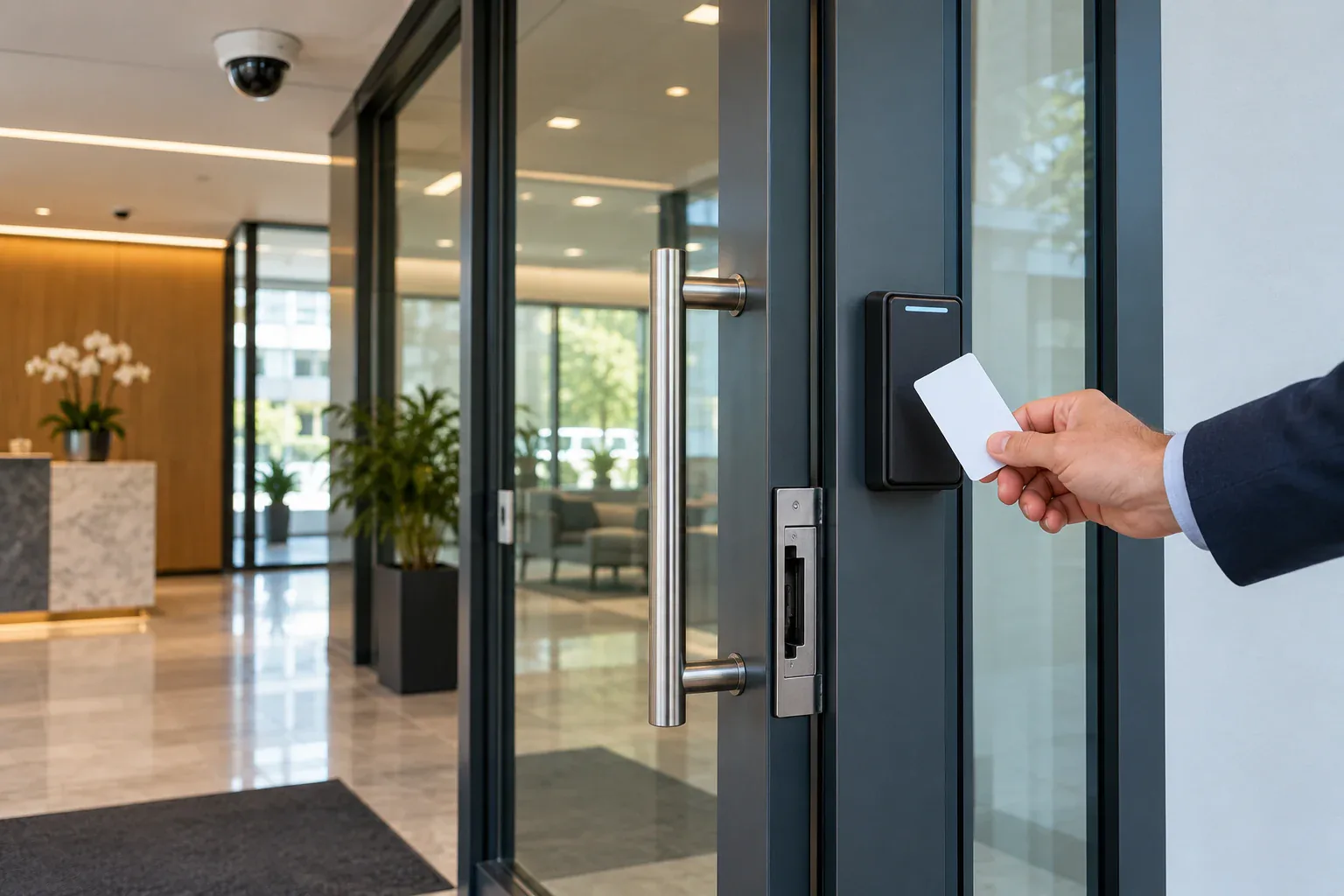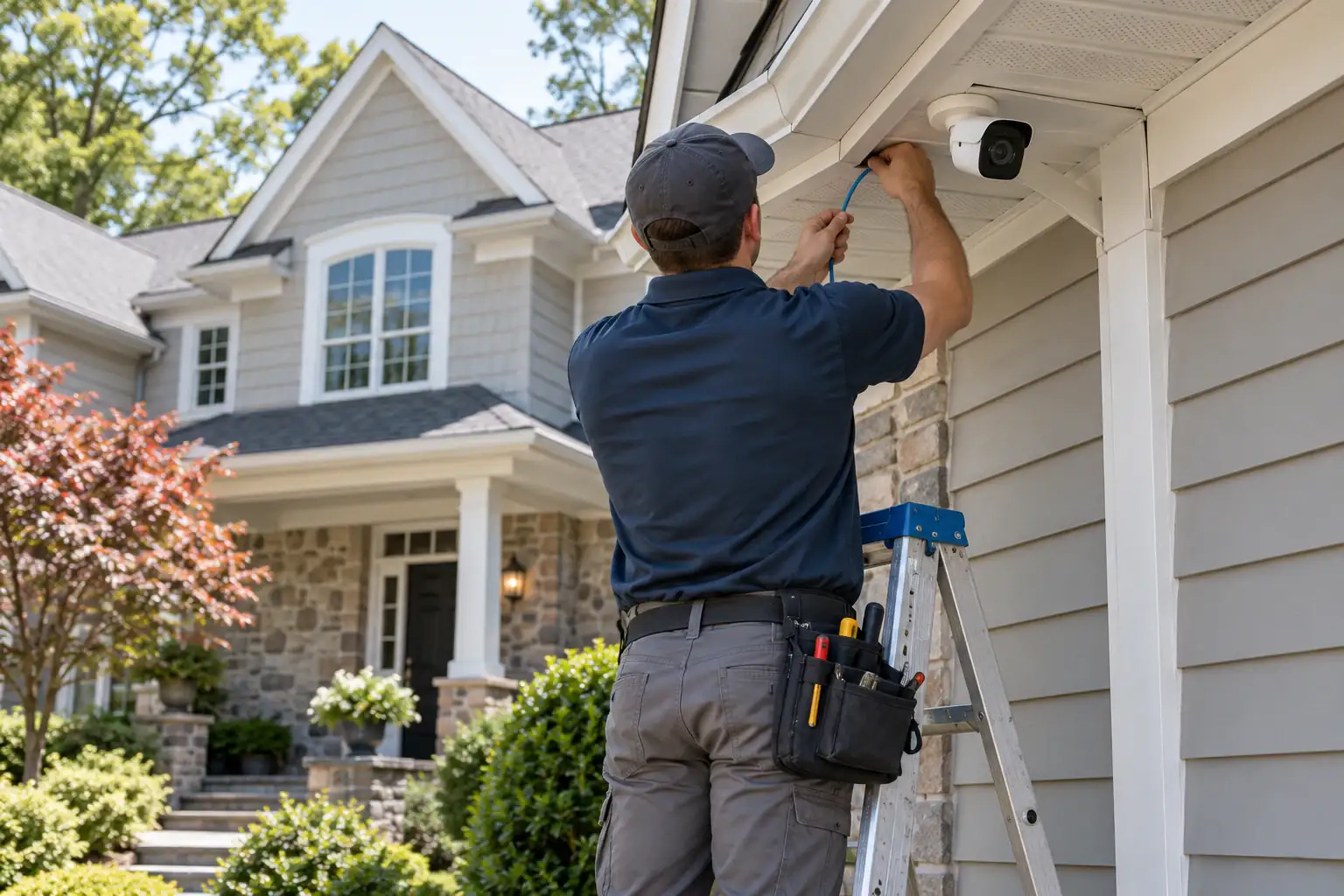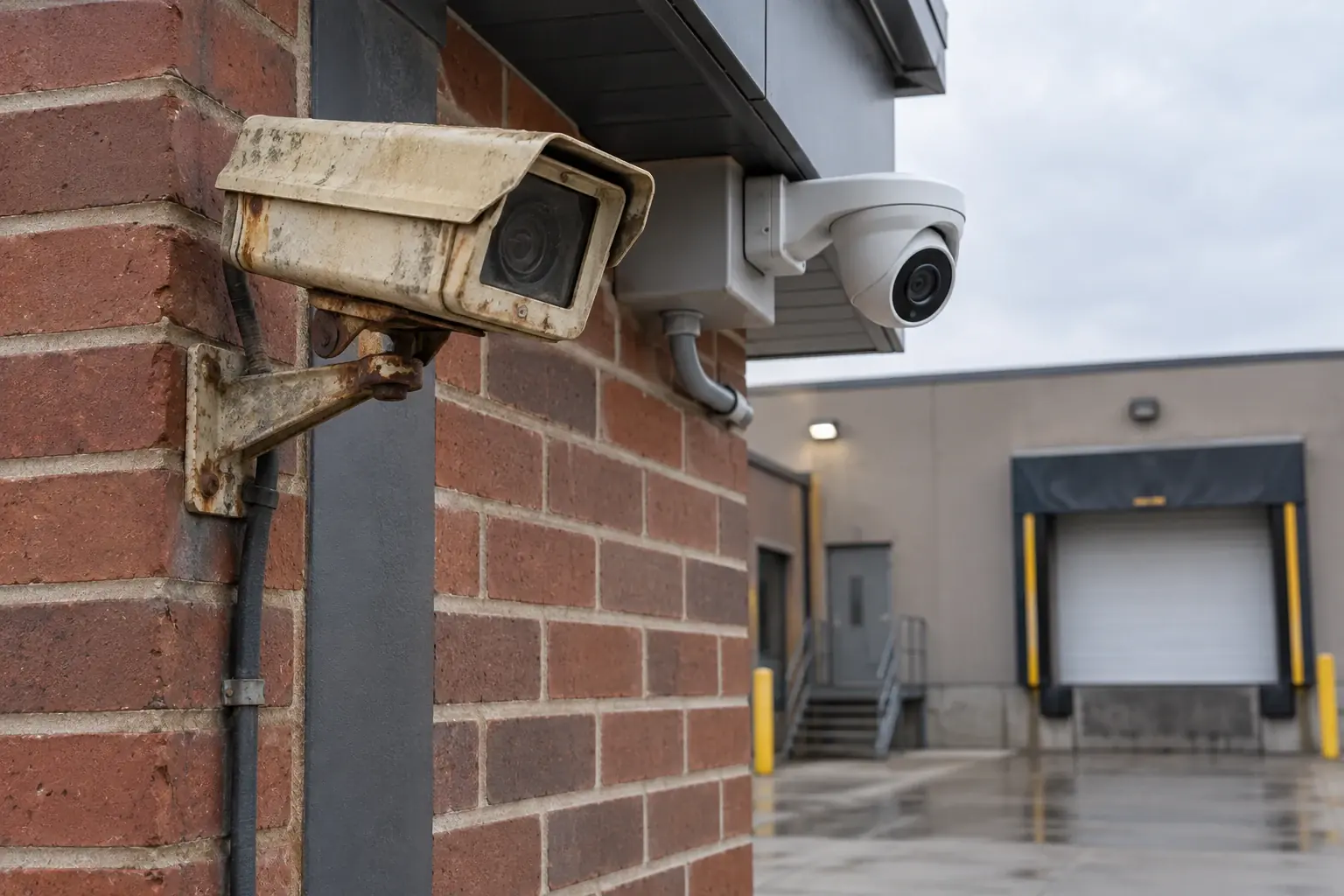
Modern commercial building with professional security cameras

5 Signs Your Business Needs a Security Camera Upgrade

Rolo Electronics Team7 min read

Last updated:

1. Your Footage Is Blurry or Unusable

The most obvious sign your system needs an upgrade: you can’t actually identify anyone in your footage. If faces are blurry blobs and license plates are unreadable, your cameras are decorative, not functional.

Many businesses installed 720p or early-1080p cameras 5–10 years ago. Modern 4K cameras give you far more detail, better dynamic range, and better performance when you need to zoom into a face, register lane, or loading area.

Upgrade benchmark: if you can’t read a badge, count cash-handling movements, or identify a vehicle at the distance your camera covers, the system is overdue for replacement.
Commercial building security camera system

2. You Have Blind Spots

When your original cameras were installed, your business may have looked different. Since then, you may have:

  • Added new entrances or exits
  • Expanded storage or inventory areas
  • Rearranged the floor layout
  • Added outdoor seating, parking, or loading areas
  • Hired more employees who use different areas of the building

Most small businesses need a minimum of 4–8 cameras to cover critical areas: every entrance/exit, cash registers, high-value inventory areas, and parking/loading zones. If your current system only covers the front door, you’re missing the most common vulnerability points.

A professional site assessment identifies every blind spot and recommends optimal camera positions for complete coverage with the minimum number of cameras. Often, repositioning existing cameras plus adding 2–3 new ones is enough to eliminate all blind spots.

3. You Can’t Check Cameras Remotely

If you can only view your cameras from a monitor in the back office, you’re missing one of the most valuable features of modern surveillance: real-time remote access.

Modern IP camera systems let you:

  • View live feeds from your smartphone anywhere in the world
  • Receive push notifications when motion or a person is detected after hours
  • Review recorded footage by scrubbing through a visual timeline on your phone
  • Share clips with employees, law enforcement, or insurance providers instantly
  • Manage multiple locations from a single app (ideal for business owners with 2+ locations)

For business owners in Stamford, Port Chester, and White Plains who aren’t at their business 24/7, remote monitoring provides real-time awareness and the ability to respond immediately to any security event.

4. You’re Still Using Analog/DVR

If your system uses coaxial cables and a DVR (Digital Video Recorder), it’s likely 8–15 years old. Analog systems have significant limitations compared to modern IP/NVR systems:

FeatureAnalog DVRModern IP/NVR
Max resolution1080p (2MP)4K (8MP)
Night visionIR (black & white)Full color (ColorVu)
Smart detectionBasic motion onlyAI (person, vehicle, license plate)
Remote viewingLimited / unreliableFull mobile app with push alerts
CablingCoax (power + video separate)Single Cat6 (PoE — power + data)
ScalabilityFixed channel countExpandable via network

Good news: upgrading from DVR to NVR doesn’t always require re-running cables. In many cases, we can reuse existing cable paths and just swap the cameras and recorder.

5. You’re Missing AI-Powered Detection

The biggest advancement in commercial security over the past few years is AI-powered analytics. Modern cameras don’t just record — they classify activity so your team spends less time chasing junk alerts.

AI detection capabilities include:

  • Person detection — alerts only when a human is detected, ignoring animals, shadows, and headlights
  • Vehicle detection — tracks vehicles entering/leaving, with license plate capture at 4K
  • Line crossing — set a virtual boundary and receive an alert when someone crosses it (warehouse entrances, restricted areas)
  • Intrusion detection — define a zone (like a parking lot after hours) and get alerts when anyone enters
  • Loitering detection — alerts when someone stays in a defined area longer than a set time
  • AI search — search hours of footage in seconds by filtering for “man in red shirt” or “white SUV”

For businesses, these features mean fewer distracting notifications and faster review when something actually happens. That matters in restaurants, offices, retail, warehouses, and mixed-use properties where ordinary motion is constant.

What a Business Upgrade Costs

Upgrade TypeWhat’s IncludedEstimated Cost
Camera-only swapReplace existing cameras with 4K, reuse cabling$1,500–$3,000 (4–8 cameras)
Full system upgradeNew cameras + NVR + network infrastructure$3,000–$6,000 (4–8 cameras)
Expansion + upgradeUpgrade existing + add cameras to eliminate blind spots$4,000–$8,000 (8–16 cameras)
Enterprise systemMulti-location, access control, AI analytics$8,000–$15,000+

Hidden cost to watch for: network infrastructure upgrades are the #1 surprise cost. Many businesses need to add a PoE switch, upgrade their router, or run new Ethernet drops. We include a network assessment in every site visit so there are no surprises.

How often should a business security camera system be upgraded?

Most business systems should be re-evaluated every 5 to 7 years, even if they still power on. Camera resolution, night performance, mobile access, storage, and analytics improve faster than most owners expect.

You do not always need a full rip-and-replace. Sometimes the right move is a phased upgrade: better cameras first, recorder second, and network cleanup where needed.

Can you reuse existing CCTV cabling during an upgrade?

Sometimes, yes. If the existing paths are good and the cable quality is acceptable, parts of the infrastructure can often be reused to reduce labor and downtime.

The catch is that old cable runs are not always worth saving. Damaged terminations, poor routing, and bandwidth limits can turn into repeat service calls later. We test the existing path before recommending reuse.

Next Steps

If any of these 5 signs apply to your business, it’s worth getting a professional assessment. Here’s what we offer:

  • Free on-site security assessment — we walk your facility, evaluate your current system, and identify every vulnerability
  • Detailed upgrade proposal — transparent pricing with options ranging from minimal upgrades to comprehensive overhauls
  • Minimal business disruption — we schedule installation around your operating hours and typically complete upgrades in 1–2 days
  • Training — we train your staff on the new system, including mobile app access and footage review

We work with businesses throughout Stamford, Port Chester, White Plains, Greenwich, Norwalk, and surrounding areas in Westchester County NY and Fairfield County CT.

Schedule your free business security assessment or call (914) 247-9506.

Sources

Need expert advice? Get a free consultation.

Licensed installers in CT & NY — no obligation.

Related Articles

Back to all articles
Need help? Text us!