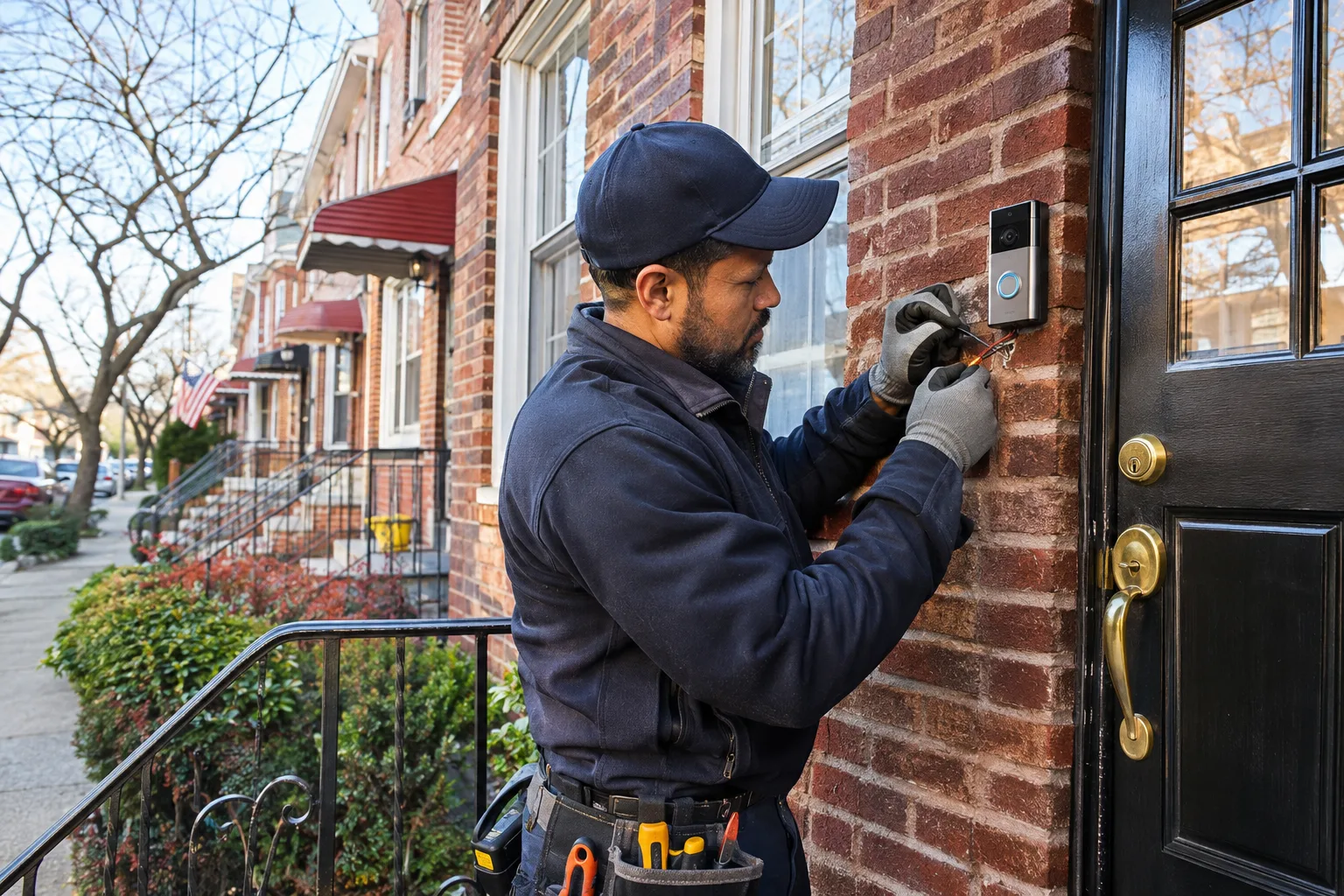
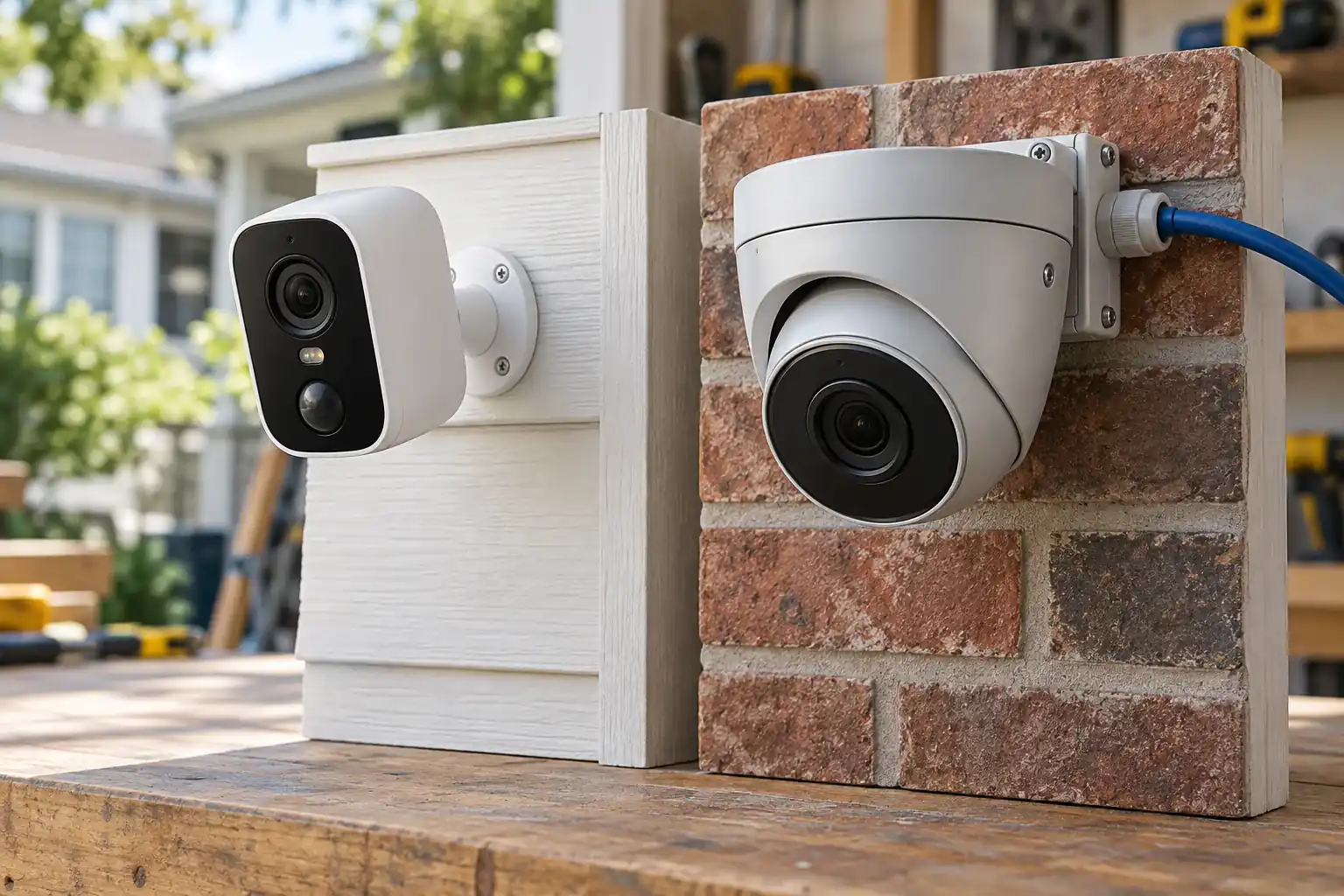
After power, the second reason a Ring doorbell disappoints is a weak connection at the mounting point. Brick and stone, a metal storm door, and a router at the back of a long railroad-style apartment all cost signal. Test before you mount, not after.
Ring's RSSI scale
Ring reports signal strength as RSSI, a negative number in dBm, and shows it in the app under the device's Device Health tile as "Signal Strength". Ring's Wi-Fi recommendations page gives these bands:
- 0 to -60: "Great" (strong)
- -60 to -70: "Okay" (could be improved)
- -70 to -80: "Poor" (possible delays and interruptions in service)
- -80 or worse: "Very poor" (intermittent service or falling offline)
Numbers closer to zero are better; -55 is a stronger signal than -75. If you already have any Ring device, you can hold it near the door during setup to read a value. If not, a phone standing at the door with a Wi-Fi analyzer app gives a rough idea, keeping in mind that a doorbell mounted flat on brick will usually read worse than a phone held in the open.
2.4 GHz vs. 5 GHz
Ring's support guidance is that every Ring device works on 2.4 GHz and only some models also support 5 GHz; the table above lists which doorbells do, per Ring's model pages. For a doorbell behind brick the 2.4 GHz band usually reaches farther, while 5 GHz gives more bandwidth for video when the signal is strong. If your router broadcasts one network name for both bands, the doorbell will pick a band itself; Ring's troubleshooting steps include moving the device to a 2.4 GHz network when a 5 GHz connection is unstable.
Fixing a weak reading
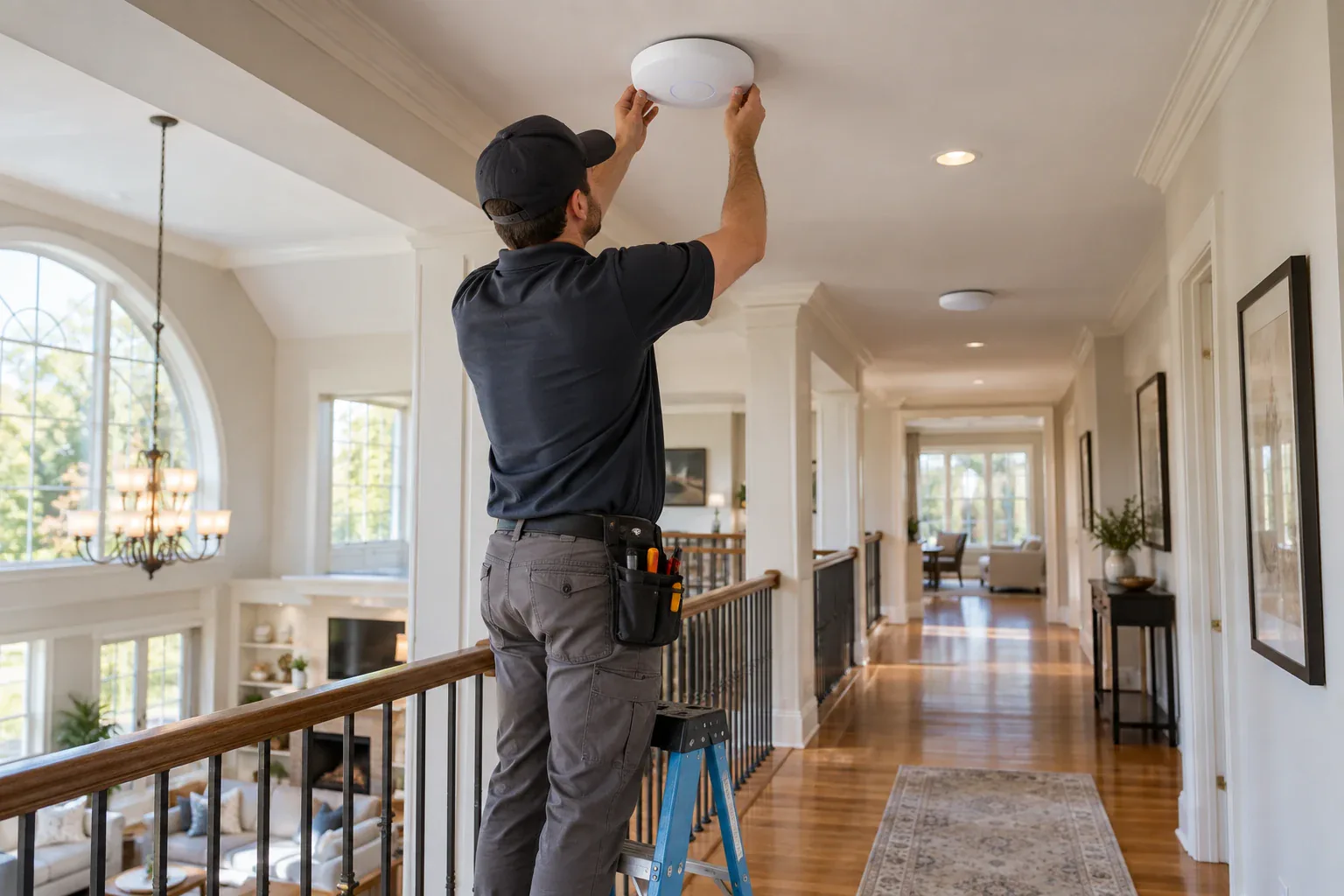
Ring's own suggestions are to move the device closer to the router, add a Chime Pro (which includes a Wi-Fi extender for Ring devices) or a Wi-Fi extender, and avoid running two routers at once. In a house, a mesh node or a wired access point near the front of the home is the more durable fix, and if the front hall is already weak you may want to read how we fix Wi-Fi dead zones. In an apartment with the router in a back room, the Chime Pro by the front door often does double duty as the indoor bell and the repeater. If no amount of repositioning gets above -70, the Video Doorbell Elite's Ethernet option avoids Wi-Fi entirely, at the cost of a cable run.
Mounting on Brick or Stone
Most Queens facades are brick, stone or stucco, and Ring's mounting documentation treats these surfaces explicitly. For the wedge and corner kits, Ring's instructions are to drill pilot holes with a 1/4-inch or 6 mm masonry bit and insert the included wall anchors. Drill into the mortar joint where you can; it is easier to patch later than the brick face. Use only the screws supplied for the mount, because Ring warns that other screws can damage the device.
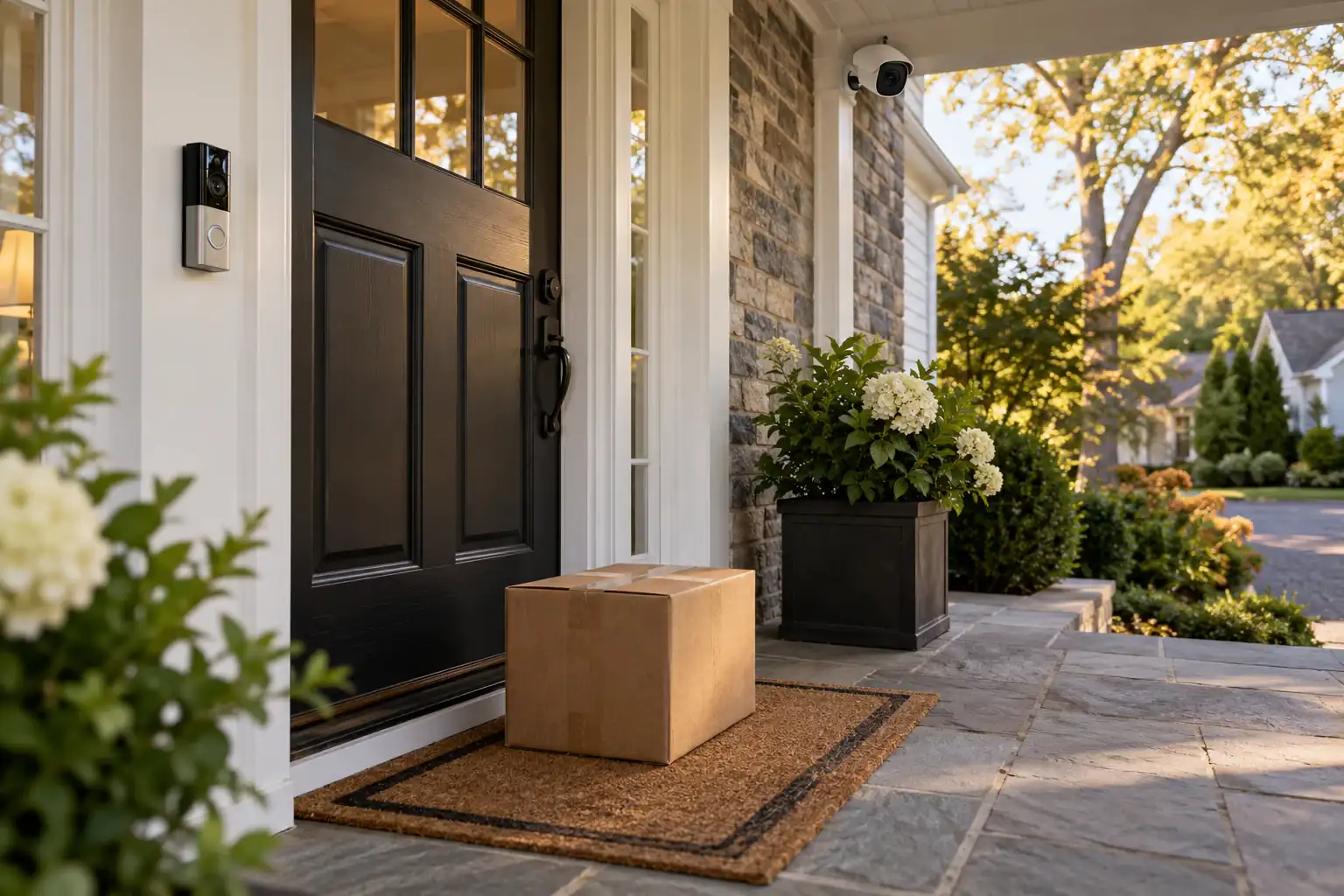
Angle matters as much as height. Wedge kits for most models include three stackable 5-degree mounts for up to 15 degrees of up-or-down tilt; the kits for the Wired Doorbell Pro and Video Doorbell Wired use two stackable 10-degree mounts. A corner kit angles the camera toward the walkway when the doorbell sits in a recessed entry. Ring also advises not stacking more than two mounts. On a stoop with steps leading up, a downward wedge is usually what keeps packages on the landing in frame.