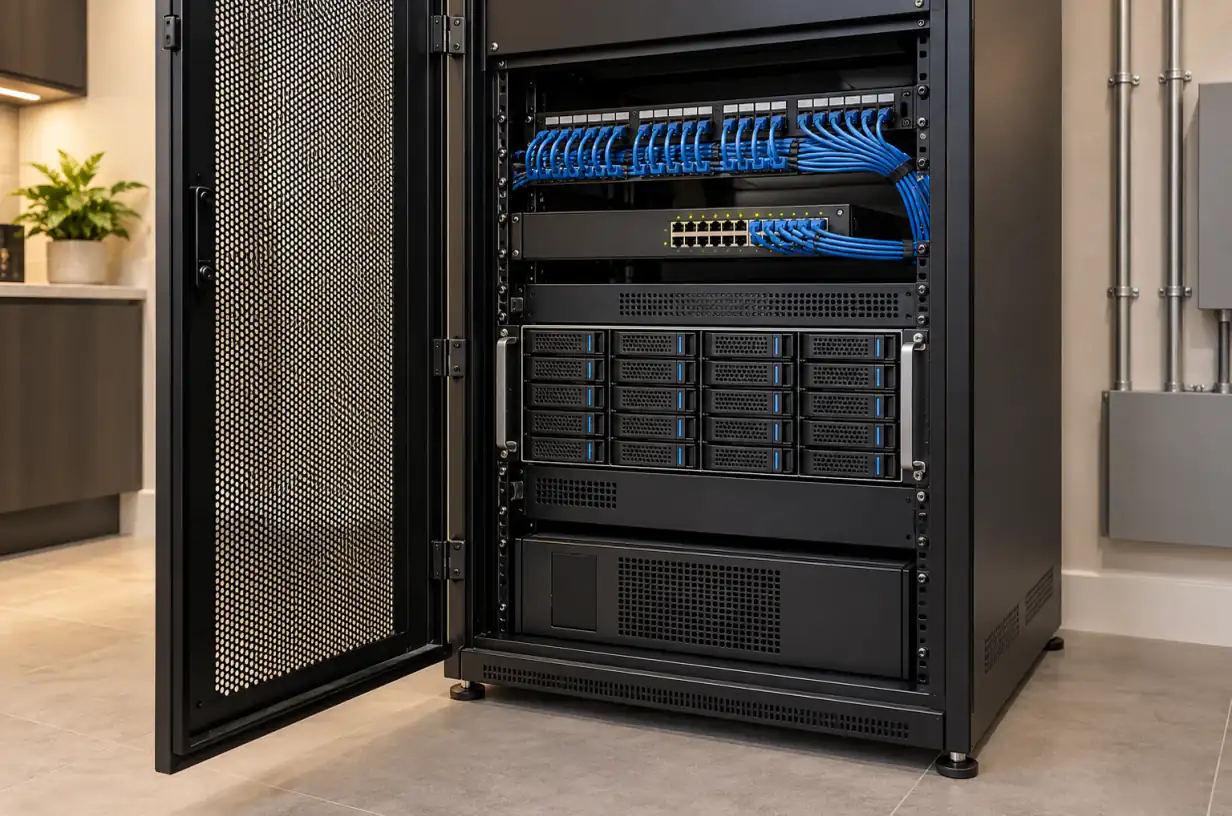
Network equipment rack with NVR and storage drives

NVR vs. Cloud Storage for Security Cameras: Which Is Better for Your Home?

Rolo Electronics Team9 min read

Last updated:

How Each Storage Method Works

NVR (Network Video Recorder) stores all camera footage on a hard drive inside your home. Cameras connect via Ethernet (PoE) cables directly to the recorder, which can capture continuously 24/7. You access footage through the NVR’s app or a local monitor. No internet connection is required for recording — only for remote viewing.

Cloud storage uploads camera footage to remote servers operated by the camera manufacturer (Ring, Arlo, Google, and others). Footage is stored on their servers and accessed through their app. Most cloud systems are event-based by default, and some eligible cameras now offer optional 24/7 recording add-ons, but cloud recording still depends on internet connectivity and an active plan.

There’s also a hybrid approach: some systems record locally while backing up critical clips to the cloud, giving you the reliability of local storage with the off-site protection of cloud backup.
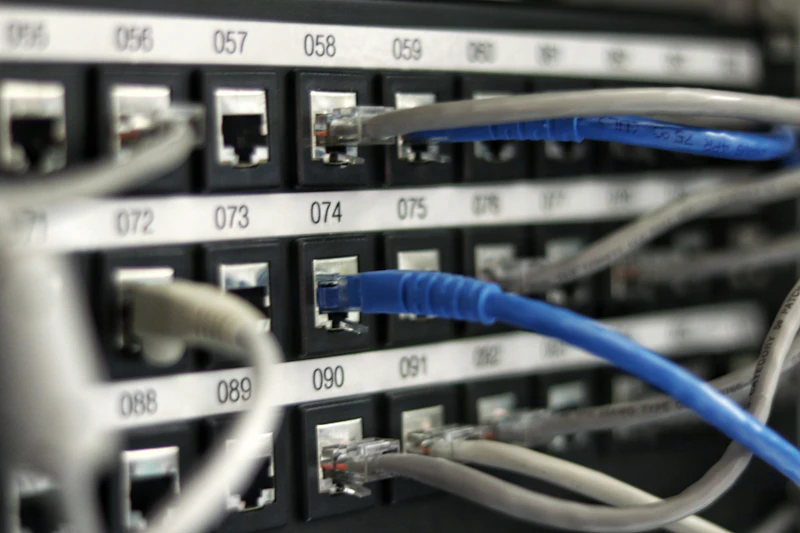
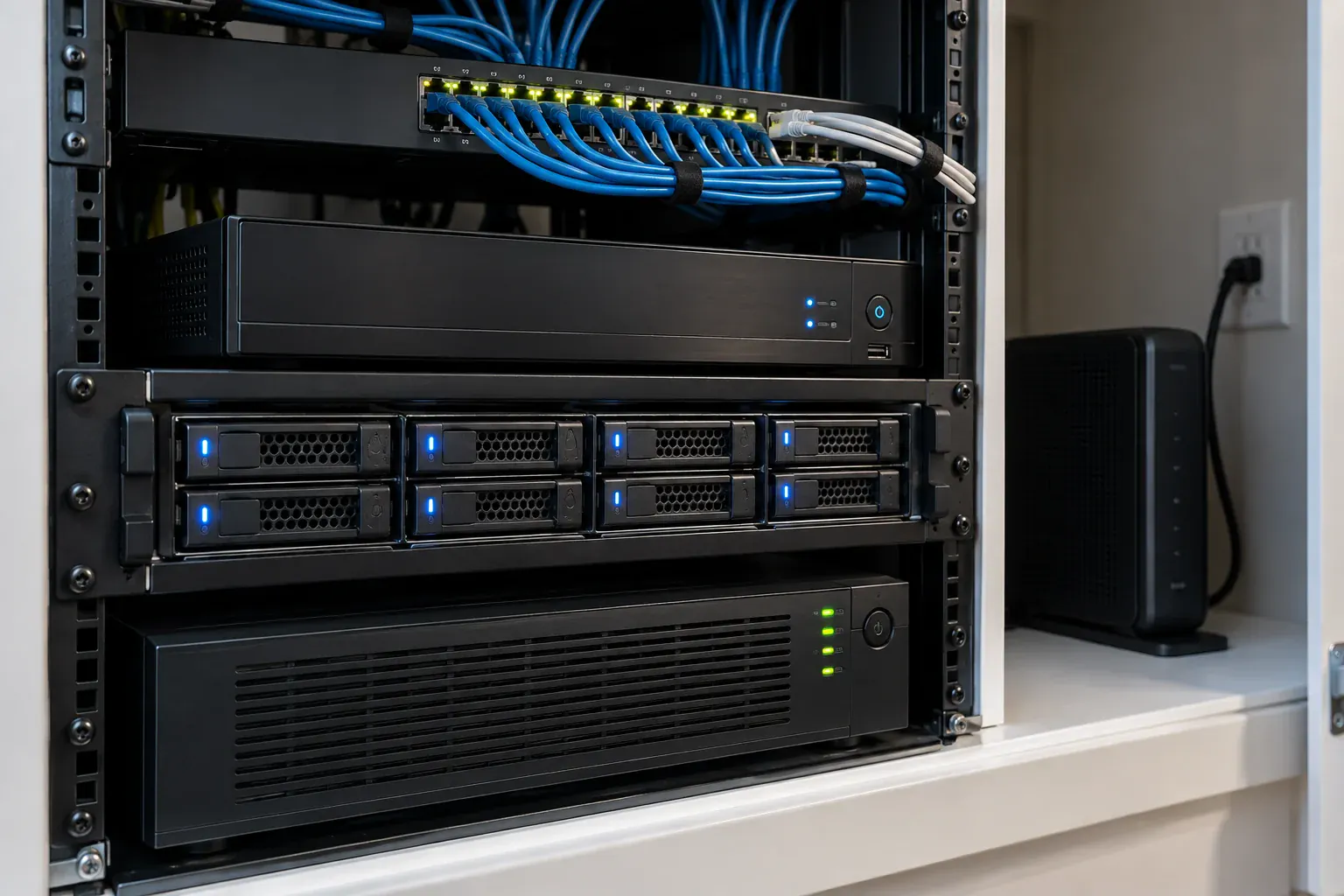
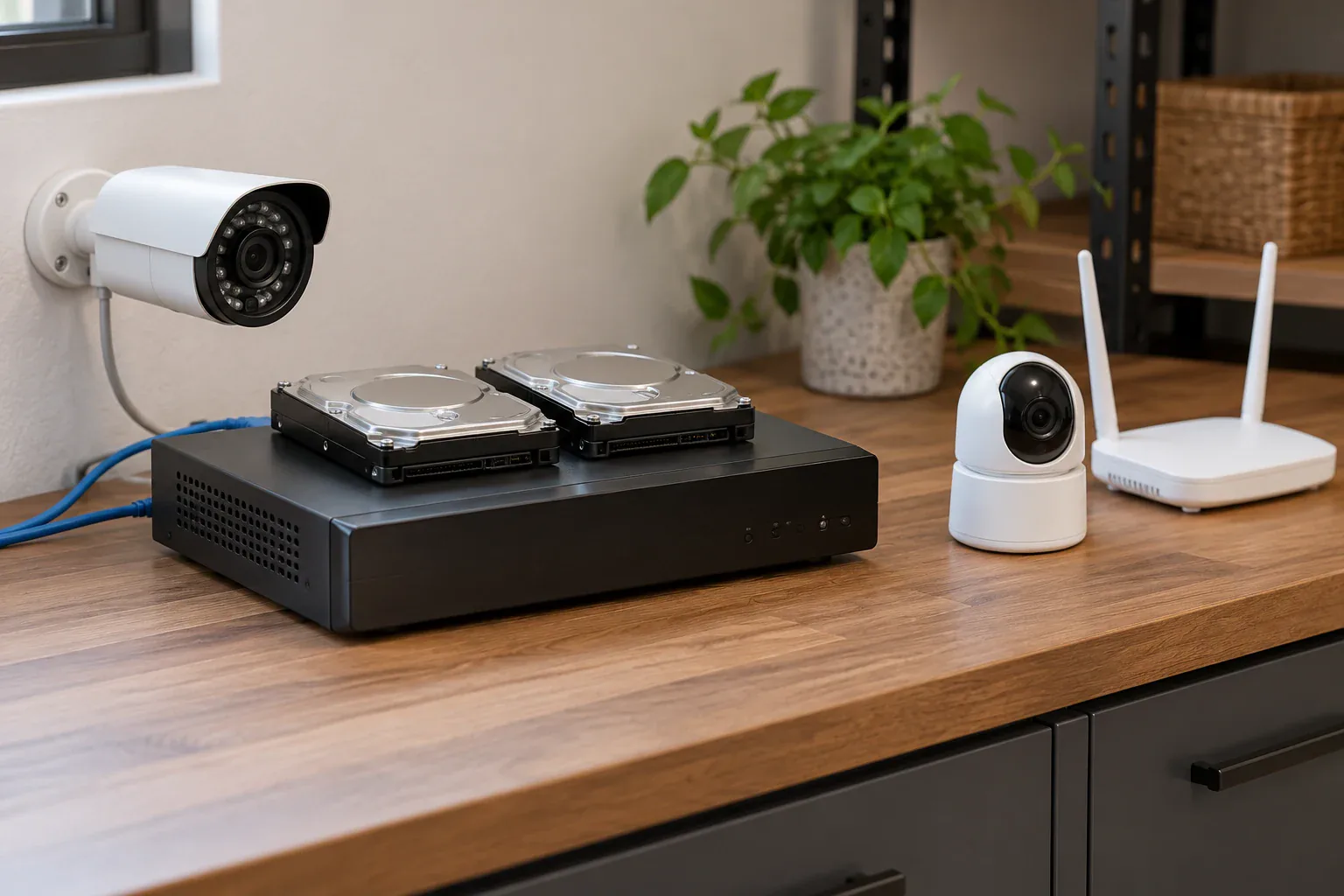
Hard drive storage for network video recorder system

5-Year Cost Comparison

The most important difference between NVR and cloud is long-term cost. Cloud subscriptions look small monthly, but they compound fast:

SolutionHardwareMonthly Fee5-Year Total (4 cameras)
Ring + StandardAbout $400$9.99About $999
Arlo + Secure PlusAbout $1,000$19.99About $2,199
Hikvision + NVR (installed)$1,800–$3,000$0$1,800–$3,000

An NVR system usually has the higher day-one bill, but once you move beyond one or two cameras, the math tilts toward local recording. Optional continuous-cloud add-ons make the subscription side even more expensive than the table above.

Video Quality & Resolution

This is where NVR systems have a clear advantage. Because footage is stored locally and doesn’t need to stream over the internet, NVR systems consistently record at full 4K (8MP) at 30 frames per second.

Cloud cameras face bandwidth constraints. To manage upload speeds and storage costs, most cloud systems limit recording to 2K–3K resolution at 15–20 frames per second. This is noticeably lower quality, especially when you need to zoom in to identify a face or license plate number.

In practice, this means:

  • NVR 4K footage can identify a license plate from 40+ feet away
  • Cloud 2K footage may only identify a plate from 15–20 feet
  • NVR 30fps recording captures smooth motion, critical for fast-moving events
  • Cloud 15fps recording can appear choppy, potentially missing key moments

Privacy & Data Security

With NVR, your footage stays on equipment you control unless you choose to export or view it remotely. There’s no third-party server retaining recordings of your family, routines, or property layout by default.

Cloud storage sends footage to the manufacturer’s infrastructure. Providers encrypt data in transit and at rest, but you still operate under someone else’s retention rules, account controls, and pricing decisions.

  • Plan terms, storage windows, and AI features can change over time
  • If your account lapses, your recording history can shrink or disappear
  • Access to clips depends on the vendor app, cloud service, and your internet link all working together

For homeowners in privacy-conscious communities like Greenwich, Scarsdale, and Rye, local NVR storage provides complete control over who sees your footage and how long it’s retained.

Reliability & Internet Dependency

NVR systems keep recording locally even when your internet service fails. If your ISP goes down, your router reboots, or you lose remote access, the recorder can still capture every connected camera.

Cloud-first cameras depend on internet connectivity to upload and retain footage. Some devices can buffer briefly or offer limited local fallback, but your off-site recording history is still tied to the cloud path being up. That matters if a provider outage, weak Wi-Fi, or ISP failure hits during an incident.

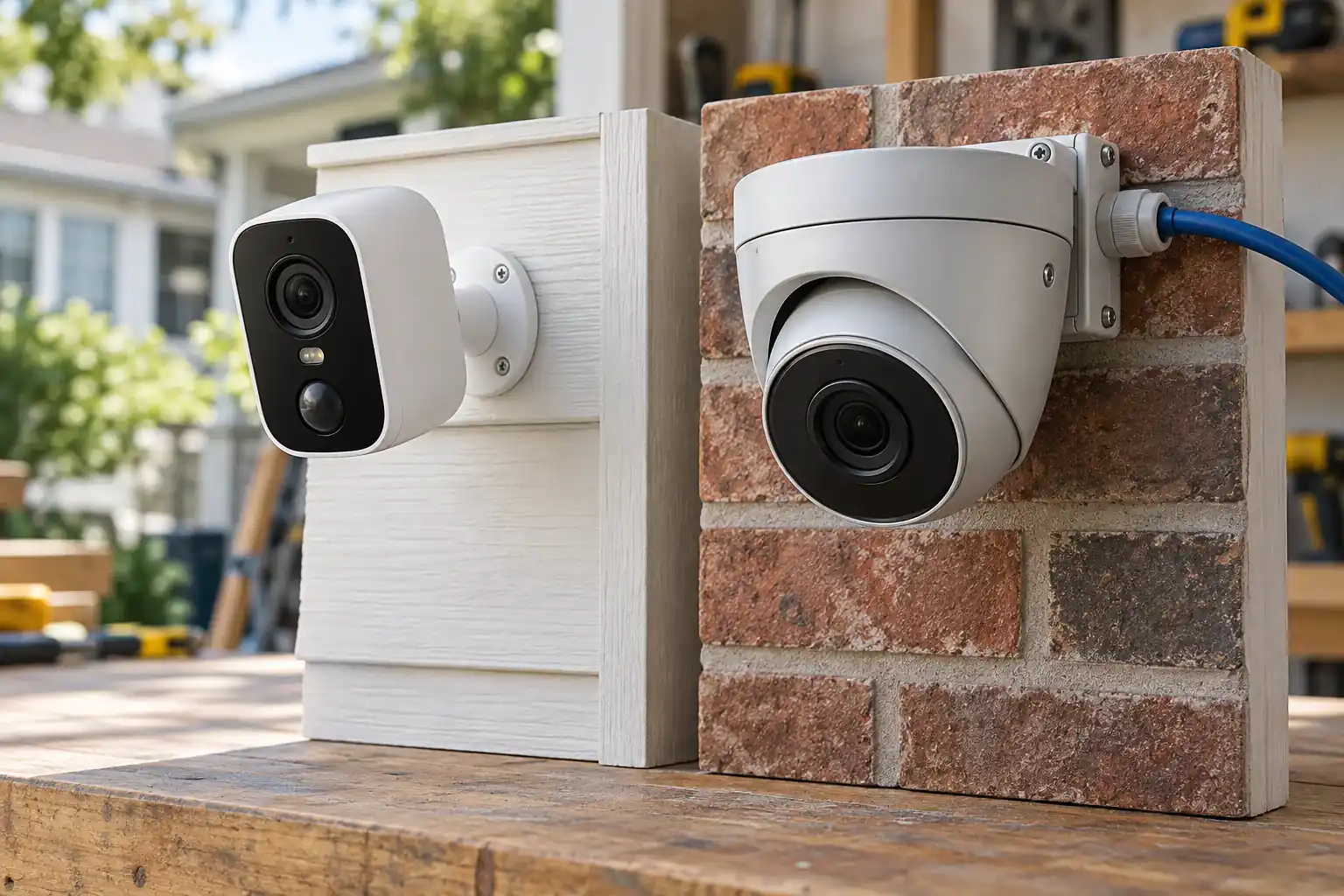
NVR cameras also use wired PoE connections, which are inherently more stable than Wi-Fi. Wi-Fi cameras can suffer from:

  • Signal interference from neighboring networks, microwaves, and Bluetooth devices
  • Bandwidth competition with streaming, gaming, and smart home devices
  • Packet loss causing pixelated or dropped footage, especially at distance from the router
Ethernet cable connection for reliable PoE camera system

When Cloud Storage Makes Sense

Cloud isn’t always wrong. It makes sense in specific situations:

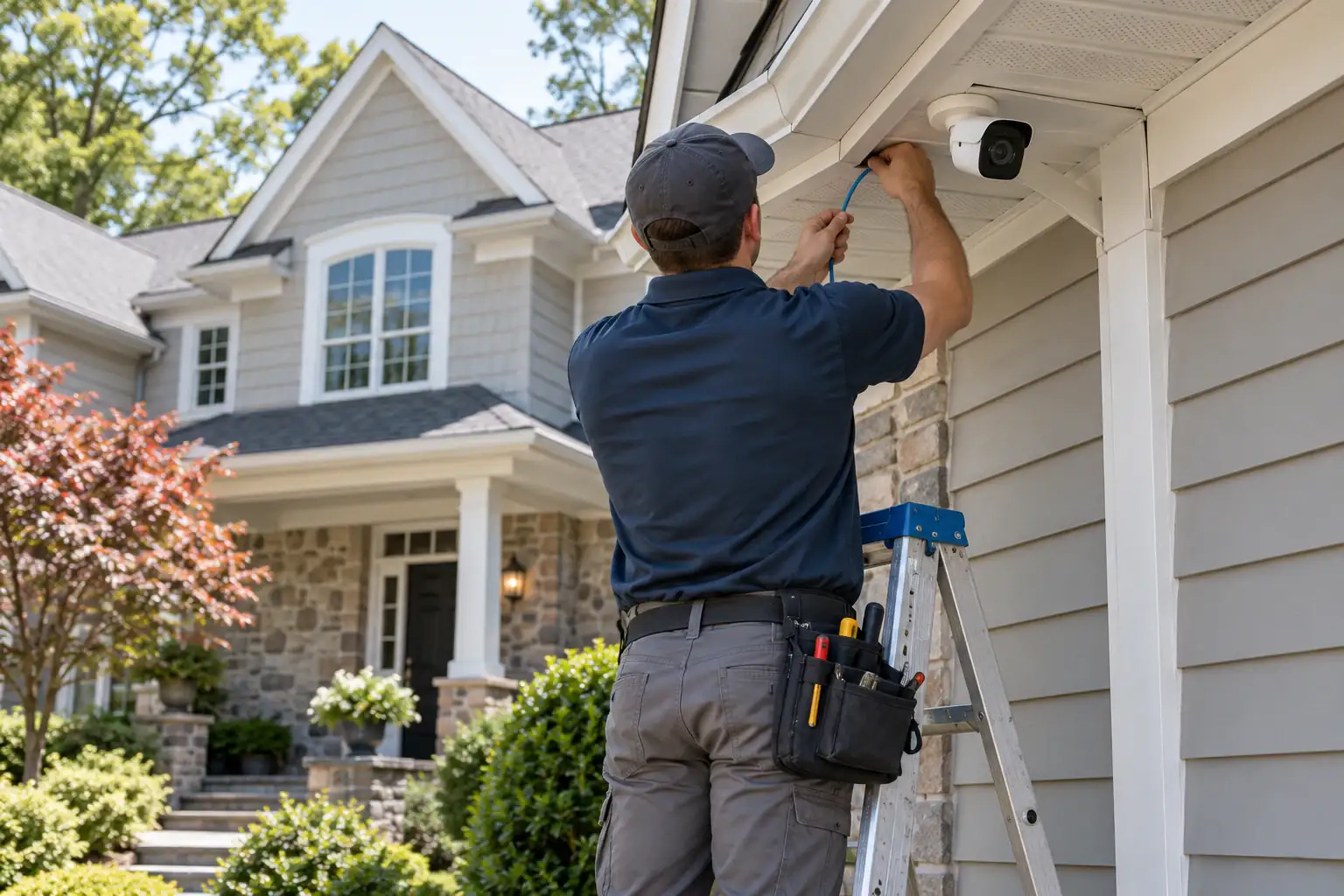
  • Rental properties where you can’t run permanent cabling
  • Temporary monitoring (construction sites, vacation homes for a season)
  • Single-camera setups like a front doorbell where the subscription is minimal
  • Multi-location businesses that need centralized remote access across several sites
  • Off-site backup as a secondary layer to local NVR recording

For most permanent residential and commercial installations in Westchester and Fairfield County, NVR provides better value, quality, and reliability.

Does an NVR still record if the internet goes down?

Yes. In a properly configured local system, the recorder and cameras can keep recording even if your ISP goes down, because the footage stays on your network instead of uploading to the cloud first.

You may temporarily lose remote viewing from your phone, but the local recording itself can continue. That is one of the biggest reasons homeowners choose NVR for perimeter coverage and evidence retention.

When is cloud storage still the better choice?

Cloud is still the better choice when you need a simple renter-friendly setup, only want a video doorbell or one entry camera, or do not want a recorder installed anywhere in the house.

It also makes sense when off-site storage is the priority and you accept the tradeoff of recurring fees, internet dependency, and shorter retention windows on lower-tier plans.

Our Recommendation

For homeowners in Westchester County NY and Fairfield County CT, we recommend local NVR storage for primary recording. Here’s why 90% of our clients choose it:

  • $0 monthly fees — one-time investment, no recurring costs
  • 4K resolution at 30fps — evidence-quality footage that identifies details
  • Complete privacy — footage stays on your property
  • Internet-independent — records 24/7 regardless of connectivity
  • 30–90 day retention — with a standard 4–8TB drive

Want to see how much you’d save switching from cloud to NVR? Schedule a free consultation and we’ll calculate your 5-year savings based on your current system.

Call us at (914) 247-9506 or book your free appointment.

Sources

Need expert advice? Get a free consultation.

Licensed installers in CT & NY — no obligation.

Related Articles

Back to all articles
Need help? Text us!