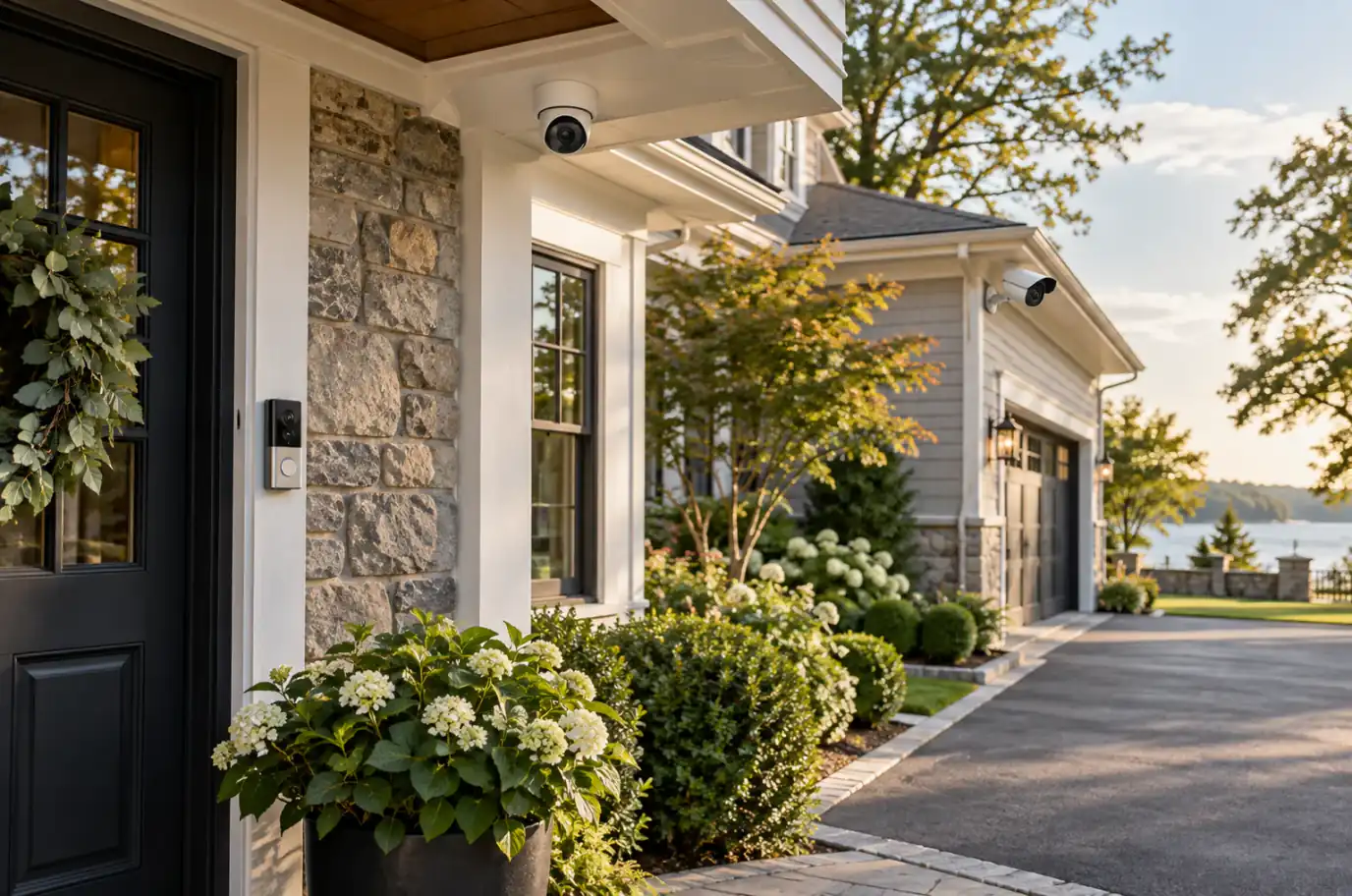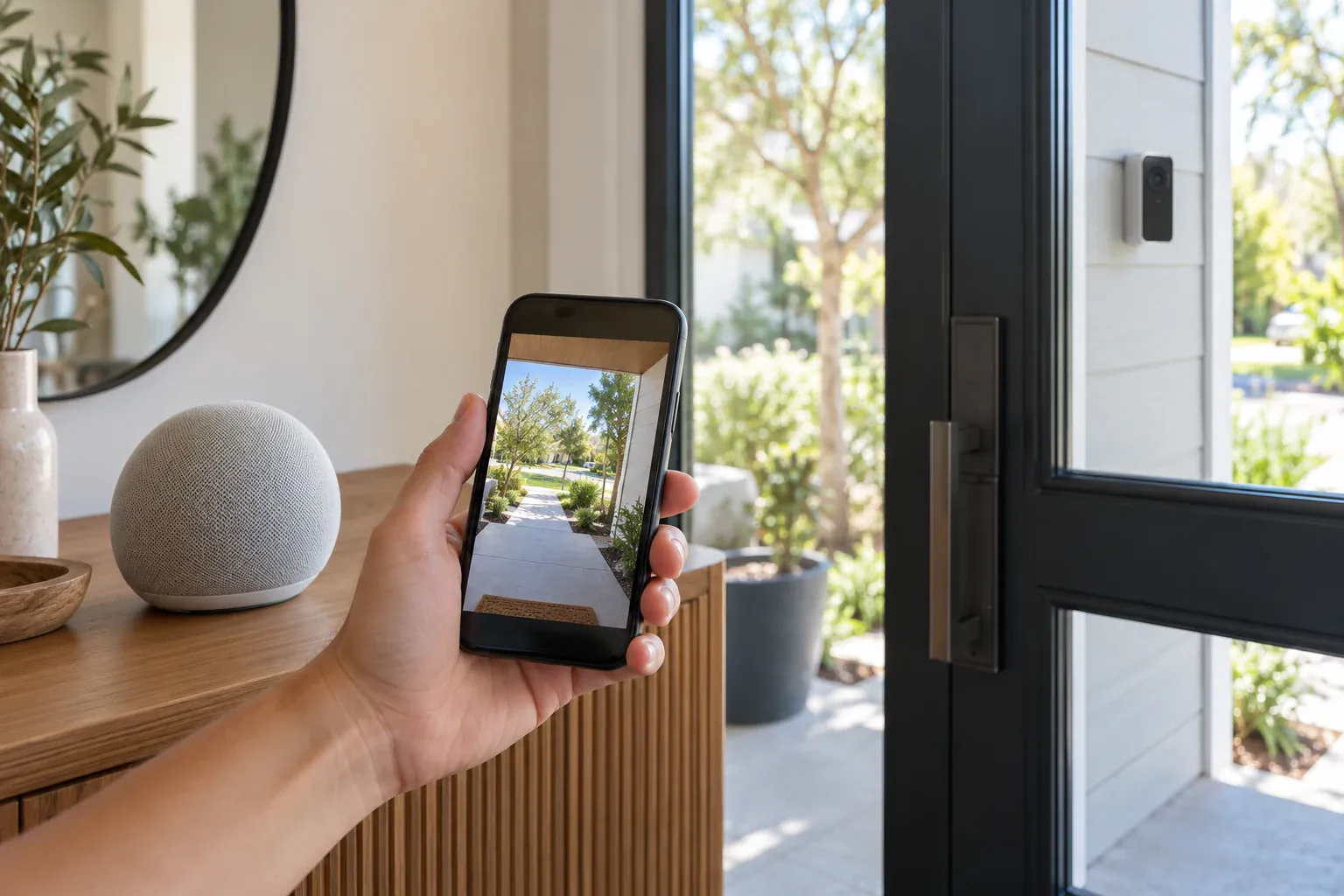
Smart home control dashboard on tablet showing security camera feeds and connected devices

How to Integrate Your Security System with Apple HomeKit or Google Home

Rolo Electronics Team10 min read

Last updated:

Why Integrate Security with Your Smart Home

To integrate security cameras with Apple HomeKit, use a HomeKit Secure Video-compatible camera (Logitech Circle View, eufy, Eve, Aqara) and an Apple TV 4K or HomePod as a home hub. For Google Home, use Nest Cam, Arlo, or TP-Link Tapo cameras and add them through the Google Home app. Matter-compatible cameras work with both platforms.

A standalone security camera does one thing: record video. But when you integrate that camera into your smart home ecosystem, it becomes part of an intelligent, automated security network. According to Parks Associates (2025), 42% of U.S. broadband households own at least one smart home device, and security cameras are the most popular category.

  • Control everything from one app — view cameras, lock doors, arm your alarm, and adjust lights from Apple Home or Google Home instead of juggling five separate apps
  • Automate security routines — say “Hey Siri, I’m leaving” and your system arms the alarm, locks all doors, turns off lights, and starts recording on all cameras
  • Intelligent alerts on your wrist — get camera notifications directly on your Apple Watch or phone with screenshot previews
  • View feeds on big screens — say “Hey Google, show me the backyard” to display your camera feed on a Nest Hub, or use Apple TV to view HomeKit camera feeds on your television
  • Security automation with lighting — when a camera detects motion at night, automatically turn on smart outdoor lights to deter intruders and improve video quality
Apple HomeKit Secure Video Explained

HomeKit Secure Video (HKSV) is Apple’s privacy-first approach to security cameras. It’s one of the most compelling reasons to choose Apple’s ecosystem for home security.

  • End-to-end encryption — video is analyzed locally on your Apple TV 4K or HomePod, then encrypted before being uploaded to iCloud. Apple cannot view your footage.
  • On-device intelligence — face recognition, person/animal/vehicle detection, and activity zones are all processed locally—not on Apple’s servers
  • 10-day recording history stored in iCloud, which does not count against your iCloud storage quota
  • iCloud+ plan required: 50GB ($0.99/mo) supports 1 camera, 200GB ($2.99/mo) supports 5 cameras, 2TB ($9.99/mo) supports unlimited cameras
  • Face recognition identifies family members and known visitors, sending personalized alerts like “John is at the front door”
  • Activity zones let you define specific areas of the camera’s view to monitor, reducing false alerts from passing cars or swaying trees

Requirement: You need a home hub—an Apple TV 4K (recommended for best performance) or HomePod—to process video locally and manage automations.

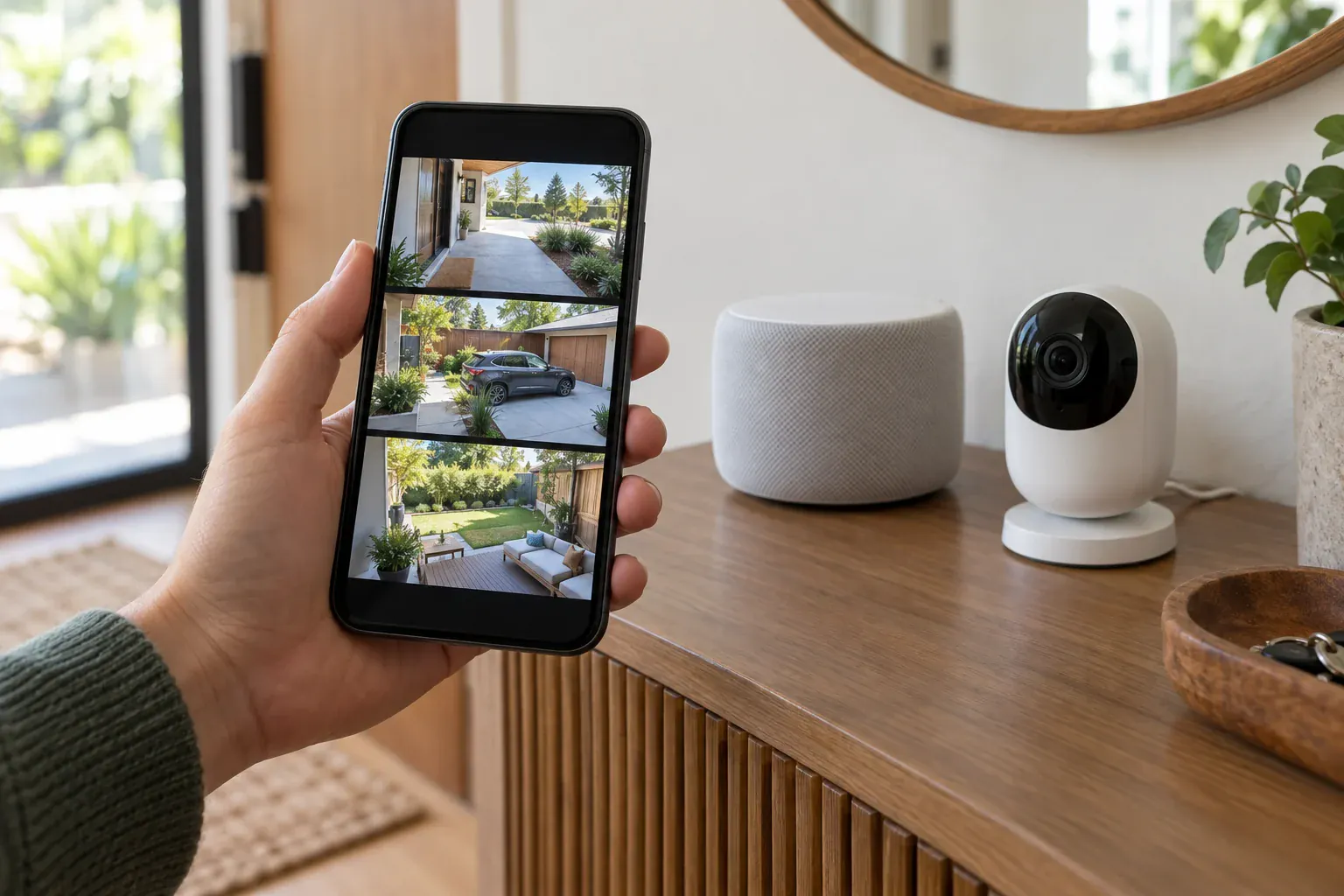
Apple Home app showing security camera feed on iPhone

Best Cameras for Apple HomeKit

Not all security cameras support Apple HomeKit. Here are the best options that offer native HomeKit Secure Video integration:

  • Logitech Circle View ($179) — designed from the ground up for Apple. Seamless integration, no separate app needed, works exclusively through the Home app. The gold standard for HomeKit cameras.
  • Aqara Camera Hub G5 Pro ($129) — outdoor-rated camera that doubles as a Zigbee/Thread smart home hub. Great for expanding your smart home ecosystem while adding a camera.
  • eufy Indoor/Outdoor Cameras ($40–150) — the most affordable HomeKit-compatible cameras available. Multiple models from indoor pan-tilt to outdoor floodlight cameras.
  • Eve Outdoor Cam ($249) — the privacy-focused choice. No cloud required whatsoever—works purely with HomeKit Secure Video. No Eve account, no Eve cloud, no data collection.
  • Arlo cameras with HKSV support — select Arlo models support HomeKit Secure Video, giving you the option to use either Arlo’s cloud or Apple’s encrypted storage.

Important: Always verify HomeKit compatibility before purchasing. Not all cameras from these brands support HomeKit—check the specific model’s product page for the “Works with Apple HomeKit” badge.

Google Home Security Integration

Google Home provides a unified platform for managing security cameras alongside all your smart devices. If you’re in the Google ecosystem, the integration is seamless and voice-forward.

  • Unified Google Home app — manage cameras, lights, locks, thermostats, and speakers from a single interface
  • View camera feeds on displays — Nest Hub, Nest Hub Max, or any Chromecast-enabled display can show your camera feeds
  • Voice commands — “Hey Google, show me the front door” instantly displays the live feed on the nearest display
  • Google Home Routines — create automated sequences like “Goodnight” that arms cameras, locks doors, turns off lights, and sets the thermostat
  • Family Bell notifications — get arrival/departure alerts based on phone location and camera detection
  • Nest Aware subscription ($8/mo for 30-day history, $15/mo for 60-day) provides intelligent alerts, familiar face detection, and extended video history

Best Cameras for Google Home

These cameras integrate natively with the Google Home ecosystem:

  • Google Nest Cam (Battery or Wired) — the native choice. Deepest integration, best experience, designed by Google for Google Home. Battery model offers flexible placement, wired model provides 24/7 recording.
  • Arlo cameras — full Google Home support. View feeds, receive alerts, and use voice commands. Requires Arlo Secure plan for AI detection features.
  • eufy cameras — works via the Google Home app with basic live view and motion alerts. A budget-friendly option for Google homes.
  • TP-Link Tapo cameras — affordable cameras with native Google Home support. Great for adding basic coverage without a large investment.

Important: Ring cameras do NOT work with Google Home natively. Ring is an Amazon-owned brand and integrates exclusively with Alexa. If you’re a Google Home household, avoid Ring.

Matter Protocol: The Universal Standard

Matter is the universal smart home standard jointly developed by Apple, Google, Amazon, and Samsung through the Connectivity Standards Alliance. It’s designed to solve the biggest frustration in smart home security: vendor lock-in.

  • Cross-platform by design — a Matter-compatible camera works with HomeKit, Google Home, AND Alexa simultaneously, without choosing sides
  • No vendor lock-in — switch between ecosystems freely. Start with Google Home, add an Apple TV later, and your cameras work with both
  • Thread mesh networking — Thread-enabled Matter devices create a self-healing mesh network, improving reliability and range without relying solely on Wi-Fi
  • Growing rapidly in 2026 — while camera support was initially limited, 2026 has seen major manufacturers adopt Matter for new models
  • Leading adopters: Aqara, Eve, and Nanoleaf are at the forefront of Matter adoption, with new Matter-certified cameras shipping throughout 2026

If you’re building a new smart home system from scratch, prioritizing Matter-compatible devices future-proofs your investment against platform changes.

HomeKit vs Google Home vs Matter: Side-by-Side Comparison

Choosing between Apple HomeKit, Google Home, and Matter depends on your existing devices and priorities. Here is a direct comparison:

FeatureApple HomeKitGoogle HomeMatter
Voice AssistantSiriGoogle AssistantAll (Siri, Google, Alexa)
Video StorageiCloud+ ($0.99–$9.99/mo)Nest Aware ($8/mo)Depends on camera brand
Local ProcessingYes (Apple TV/HomePod)No (cloud-based)Depends on controller
PrivacyEnd-to-end encryptedCloud-processedVaries by manufacturer
Camera OptionsLimited (~15 models)Wide (~50+ models)Growing (20+ in 2026)
Hub RequiredApple TV 4K or HomePodOptional (Nest Hub)Matter controller
Best ForApple householdsAndroid/mixed householdsMulti-platform homes
Ring Compatible?No (Homebridge only)No (Alexa only)Not yet

Our recommendation: If your household is fully Apple, HomeKit Secure Video offers the best privacy and local processing. For mixed-device households, Google Home provides the widest camera compatibility. If you want future-proof flexibility, prioritize Matter-compatible cameras that work across all platforms.

Homebridge: Make Any Camera Work with HomeKit

Homebridge is a free, open-source software bridge that makes non-HomeKit devices appear in Apple’s Home app. It’s the solution for homeowners who want professional-grade cameras (Hikvision, Dahua) in their Apple ecosystem.

  • Runs on a Raspberry Pi ($35–75) or any always-on computer/NAS on your network
  • Popular camera plugins:
    • homebridge-ring — brings Ring cameras and doorbells into HomeKit
    • homebridge-camera-ffmpeg — connects any RTSP-compatible camera (including Hikvision, Dahua, Amcrest, Reolink) to HomeKit using the camera’s RTSP stream
  • Limitations: Homebridge cameras do NOT get HomeKit Secure Video features (no face recognition, no activity zones, no encrypted iCloud storage). You get live view and basic motion detection only.
  • Best for: making Hikvision or Dahua professional cameras appear in the Apple Home app so you can view all feeds in one place and include them in automations

Homebridge requires technical setup—network configuration, plugin installation, RTSP URL configuration per camera, and ongoing maintenance when iOS updates change APIs. Rolo Electronics can configure Homebridge during your camera installation, so you get the best of both worlds: professional Hikvision cameras with Apple Home integration.

Why Professional Setup Makes a Difference

Integrating security cameras with HomeKit or Google Home isn’t always plug-and-play. Firmware updates, network configuration, hub placement, and automation setup all require attention to detail.

  • Network optimization — cameras need stable, dedicated bandwidth. We configure your router with proper QoS settings and, when needed, a dedicated IoT network to prevent cameras from competing with your daily browsing and streaming.
  • Hub placement — Apple TV, HomePod, or Google Nest Hub placement affects both smart home range and camera processing performance. We position hubs for optimal coverage.
  • Complete integration testing — Rolo Electronics tests every camera feed, voice command, and automation routine before leaving your home. We verify that “Hey Siri, show me the backyard” actually works.
  • Ongoing support — when an iOS or Google Home update breaks an integration (it happens), we’re a call away to troubleshoot and restore functionality.
  • Future-proofing — we recommend and install Matter-compatible devices wherever possible, so your system is ready for the evolving smart home landscape.

Ready to build a fully integrated smart home security system? Schedule a free consultation with Rolo Electronics. We’ll assess your current ecosystem and recommend the best cameras and integration approach for your home.

Explore our smart home installation services in Connecticut or browse our security and smart home products.

Need expert advice? Get a free consultation.

Licensed installers in CT & NY — no obligation.

Related Articles

Back to all articles
Need help? Text us!